Test drive Latch
Run one practice repair order and send it to your own phone. It takes about 10 minutes.
The practice repair order counts as 1 of your 10 free repair orders.
1 Link this browser
Sign in to your Latch dashboard and press Link this browser. Latch stays locked in Tekmetric until you do.
2 Download the test photos
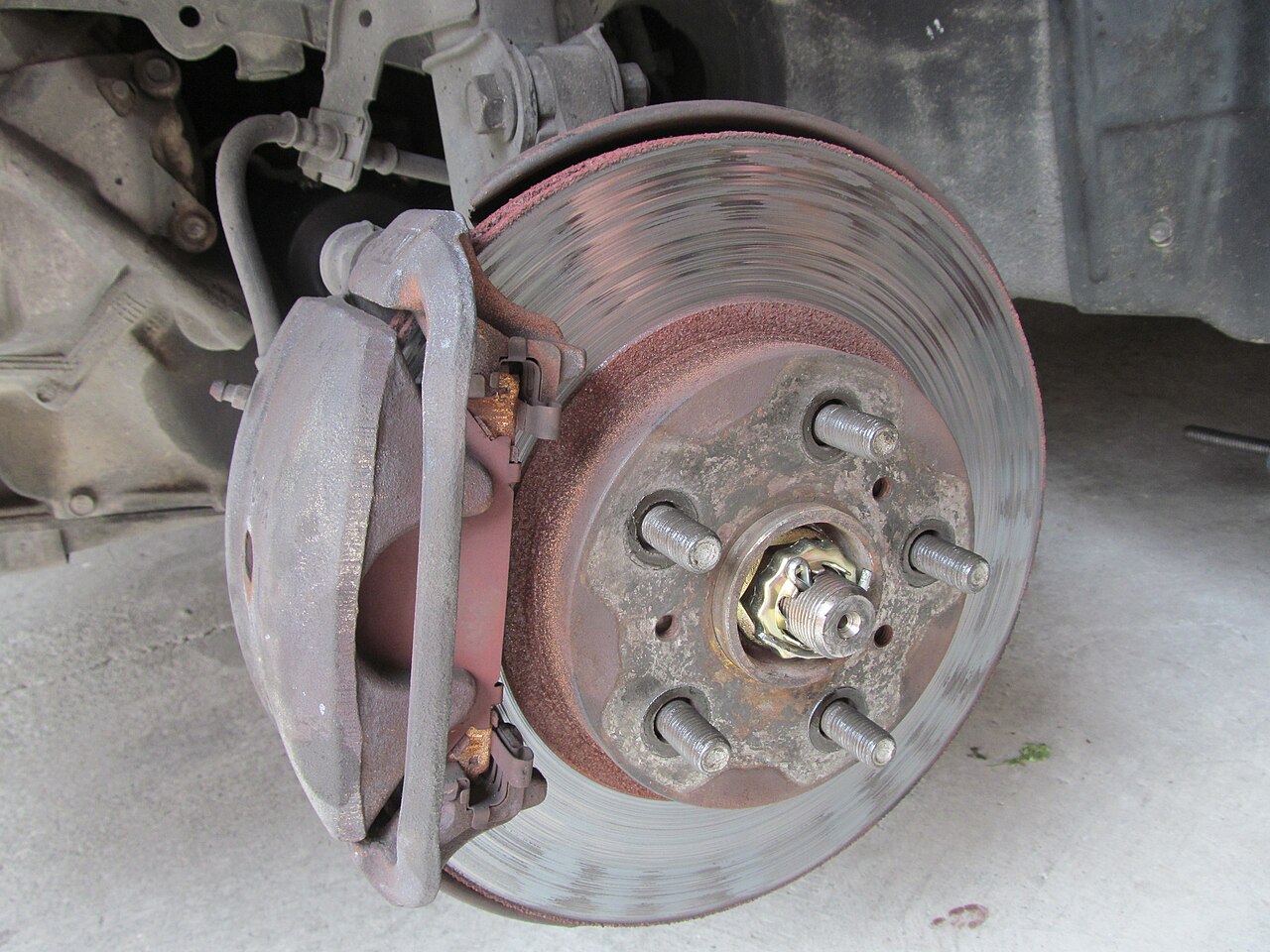 Front brakes
pads near the wear indicator, rotor grooved
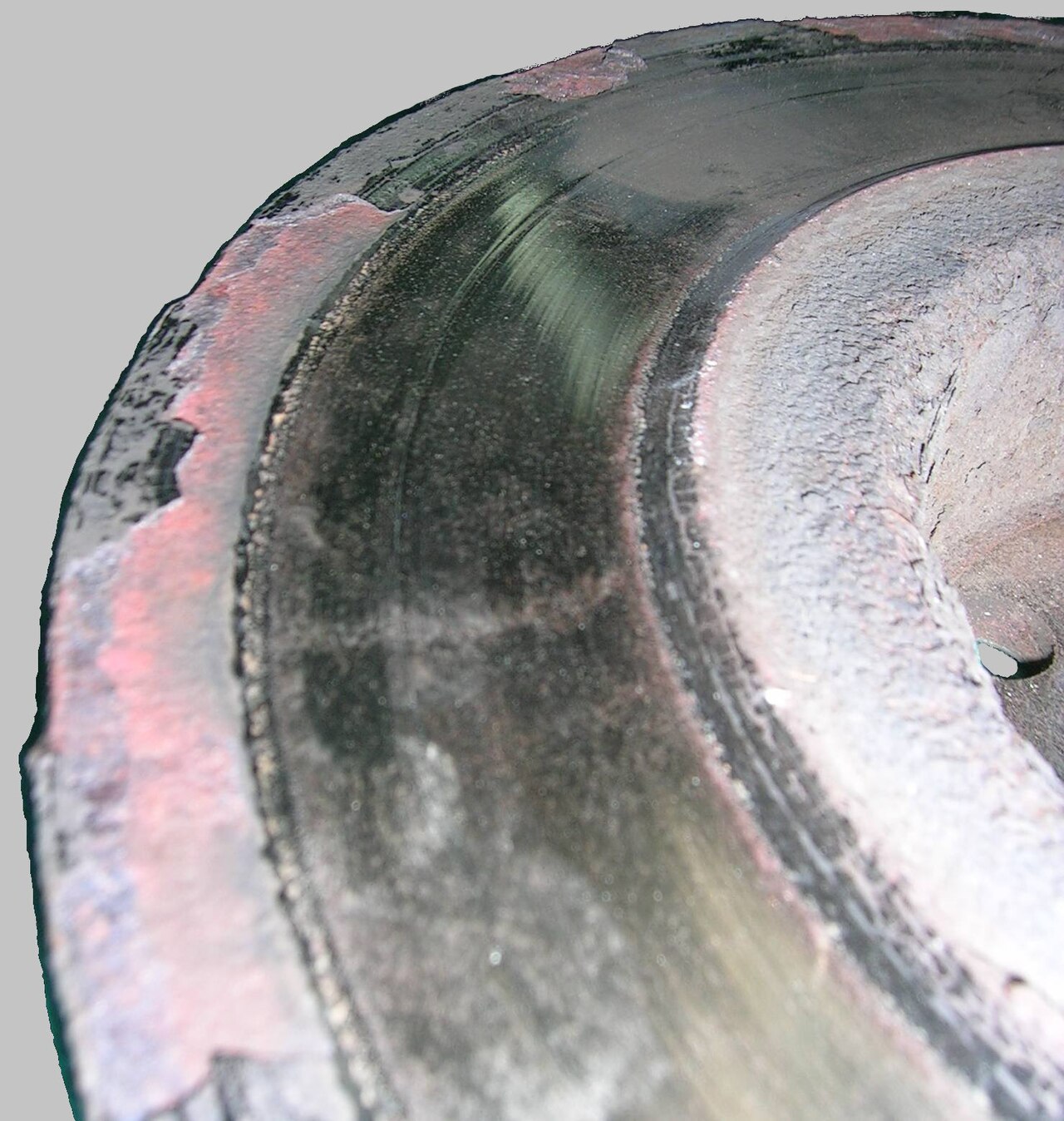 Front brake rotors
rotor worn past spec with a heavy lip and rust
 Tires
Tirestread blocks cracking (dry rot)
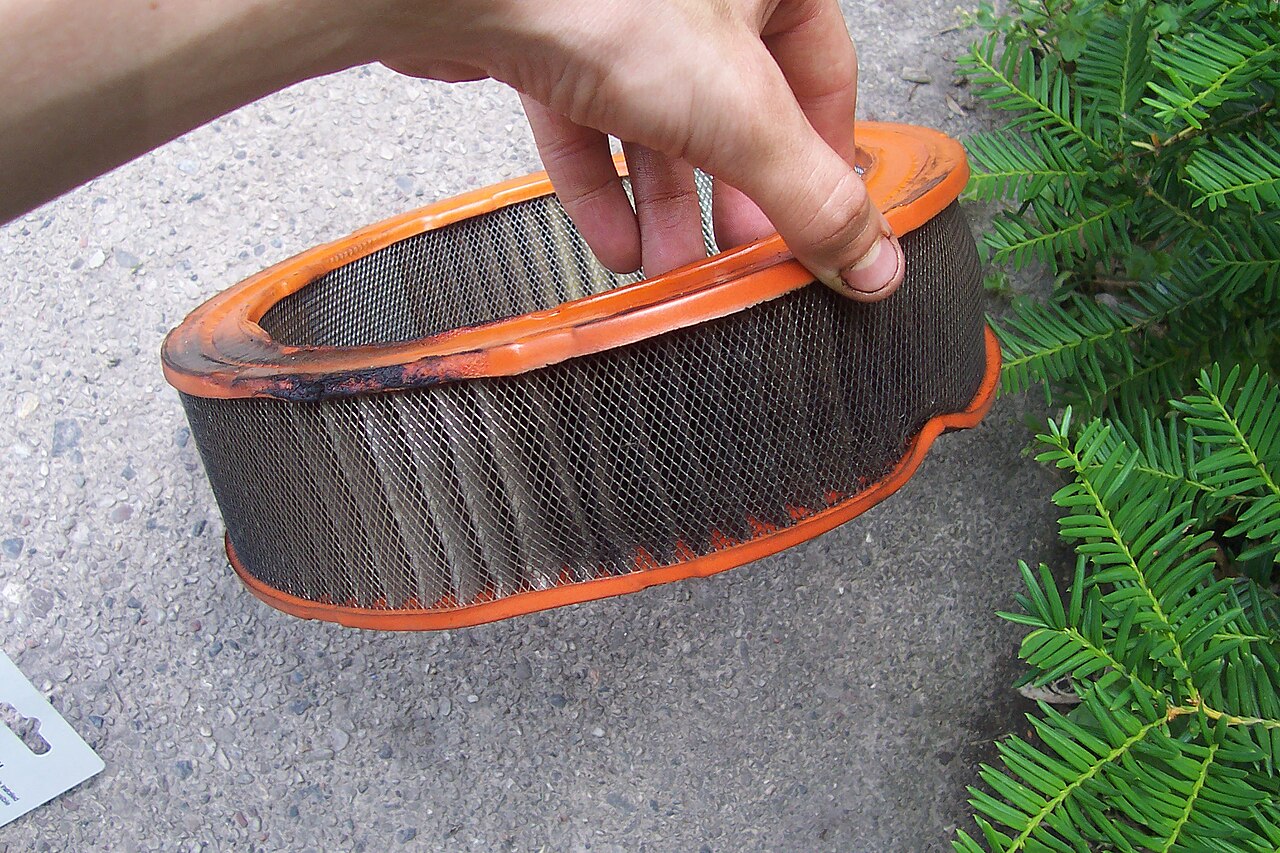 Engine air filter
filter dirty and restricted
Photos from Wikimedia Commons: Riley from Christchurch, New Zealand, CC BY 2.0; Maly LOLek, CC BY-SA 3.0; Shixart1985, CC BY 2.0; Ahanix1989, public domain. Full credits and licenses.
3 Make a test repair order in Tekmetric
- Create a new customer with your own name and your own cell phone number. Put TEST in the last name so nobody mistakes it for a real job.
- Add any vehicle (your own works well) and create a repair order.
- Start the inspection on that repair order.
4 Add the photos and let Latch work
- Attach each test photo to the inspection item named under it, and mark the item red or yellow.
- Type a short tech note like the one under the photo, the way your techs normally would.
- Use the Latch tools on the inspection: it turns the short tech note into a clear finding the customer can understand. Read it, edit if you like, and keep it.
- Photo markup (circle, arrow and label you can move before saving, with your original photo always kept) is coming in the next update.
5 Build the estimate
- Open the estimate on the same repair order and open the Latch estimate panel.
- Latch drafts the jobs from the inspection findings. Anything that still needs testing comes in as a diagnostic job, not a part guess.
- Nothing is added until you click to approve each draft. Review them and add the ones you want.
6 Send it to your phone
- In Tekmetric, send the inspection and estimate to the customer by text, the same way you would for a real customer. The customer is you.
- Open the text on your phone. This is exactly what your customers will see.
Latch never texts or emails your customers on its own. Sending is always done by you in Tekmetric.
Questions or something did not work? Use the Feedback page in your dashboard and we will get back to you.